Why You Need Your Own Distraction-Free Video App (And How to Build One Free in 2 Minutes)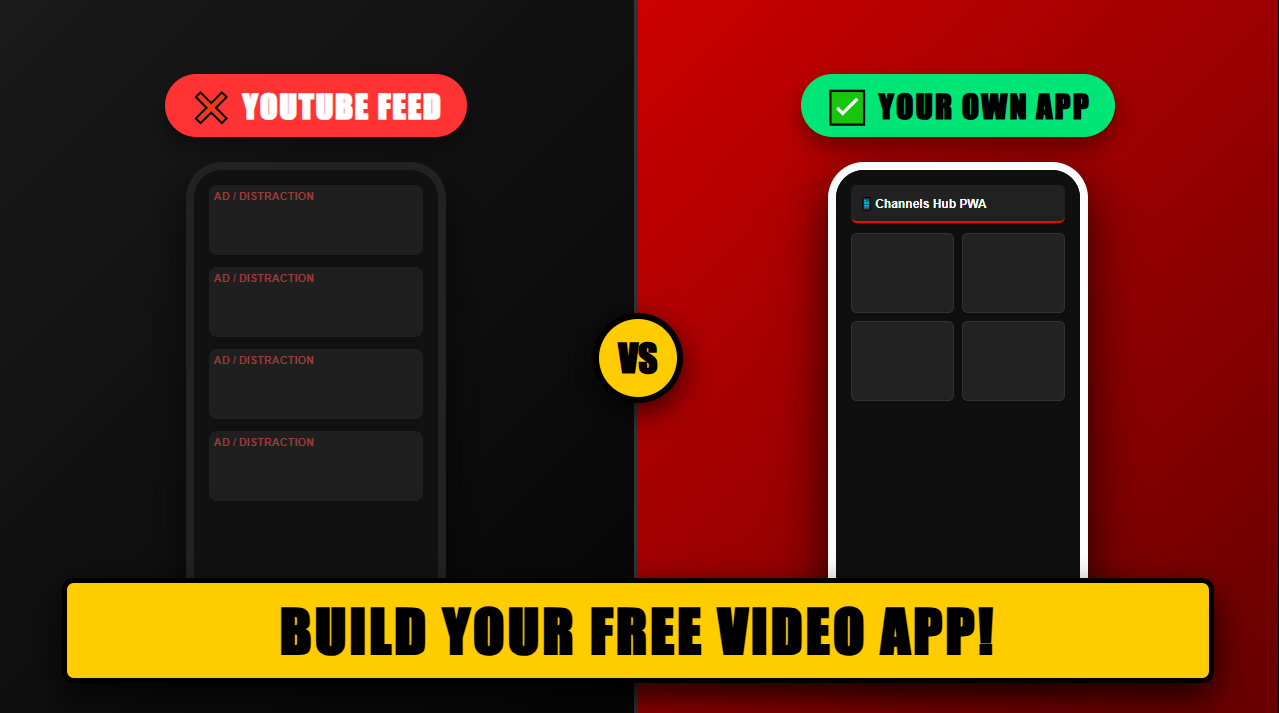
If you create content on YouTube, you already know the struggle: you spend hours editing a video, write a great title, post it online… and within 30 seconds, YouTube’s recommendation sidebar lures your viewer away to a competitor’s channel or an endless rabbit hole of shorts.
Relying 100% on social media platforms means you don’t actually own your audience’s viewing experience.
That’s exactly why we built Channels Hub — a simple, powerful, and completely free platform that lets any creator launch their own branded video portal and mobile Progressive Web App (PWA).
The Problem with Default Video Sharing
When you share a YouTube link on social media, in your email newsletter, or inside your link-in-bio, your viewers are surrounded by:
-
❌ Competitor video recommendations
-
❌ Irrelevant third-party ads
-
❌ Cluttered comment sections and algorithm distractions
Instead of keeping their focus on your brand, the platform works over-time to keep them clicking around.
Enter Channels Hub

Channels Hub gives you a clean, dedicated web app built exclusively to showcase your videos, your brand, and your monetization deals.
⚡ Key Features for Content Creators
1. 📱 Instant Mobile PWA (Progressive Web App)
Your audience can add your channel directly to their phone’s home screen like a native mobile app—no App Store downloads or installs required.
2. 🎯 Zero Algorithm Distractions
When someone visits your channel, they see only your videos. No sidebar recommendations, no rival creators, no algorithm popups.
3. 💰 Custom Ad Banners & Monetization
YouTube takes a massive cut of ad revenue, but with Channels Hub, you keep 100% control. Easily embed your own custom promotional banners, affiliate links, or sponsor deals directly inside your video feed.
4. ⚡ Reorder Videos Your Way
Want to highlight a specific playlist, feature a new product launch, or place your highest-converting video at the top? Custom ordering lets you control exactly what your viewers see first.
5. 🔍 Fast Built-In Filtering
Viewers can instantly search and filter through your video catalog without endless scrolling or lag.
🚀 How to Set Up Your Channel in Under 2 Minutes
Setting up your video hub is fast and requires zero coding skills:
-
Head over to best.bmkol.co.il/tube/
-
Register your account and choose your custom URL slug (e.g.,
best.bmkol.co.il/tube/your-name). -
Import your YouTube videos, customize your order, and upload your custom sponsor banner.
-
Share your new channel link in your social media bios, email signatures, and community pages!
Ready to Take Control of Your Video Portfolio?
Stop sending your hard-earned traffic into YouTube’s algorithm trap. Give your audience a clean, professional, and branded video experience today.
👉